Description
-
🌟 1. Product Overview
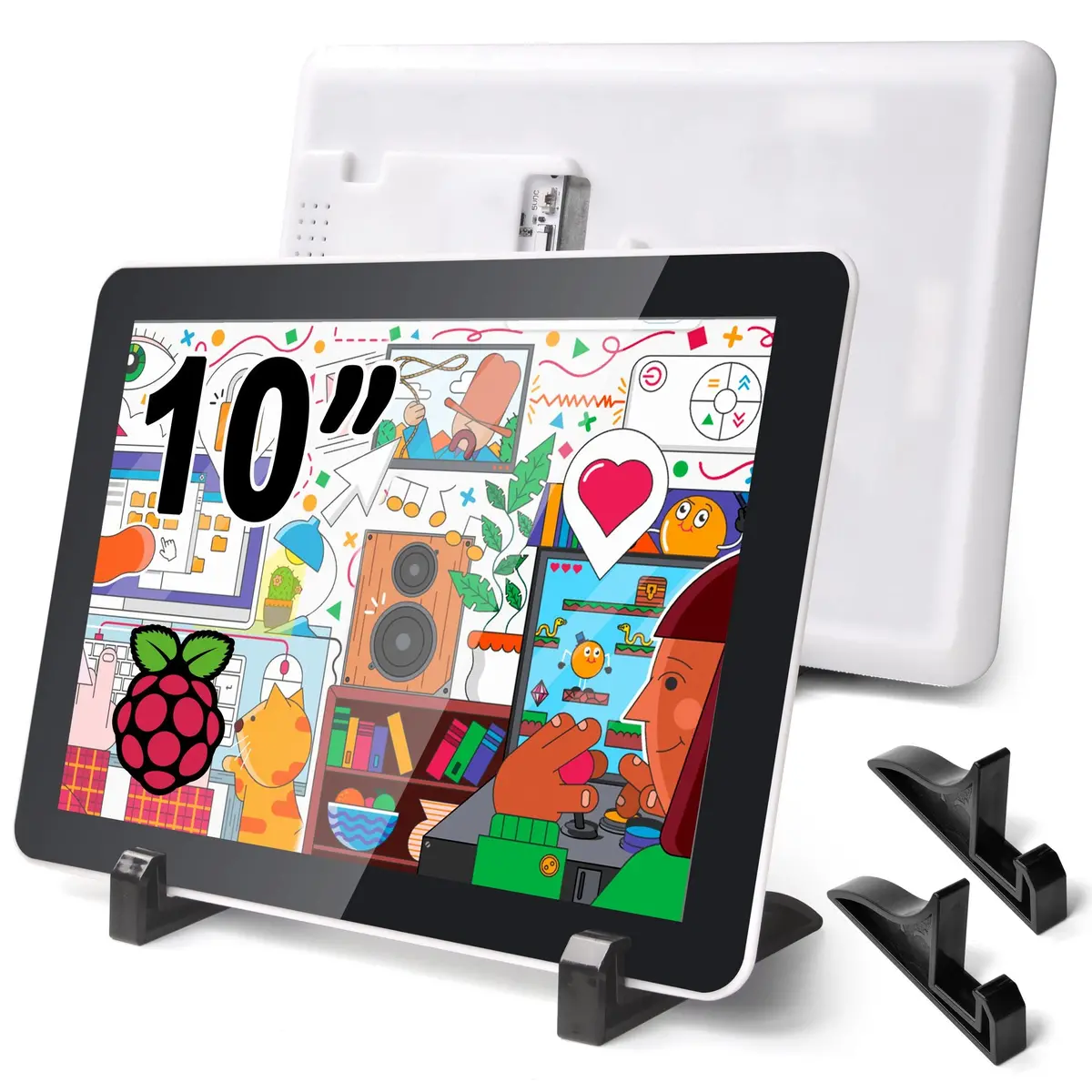
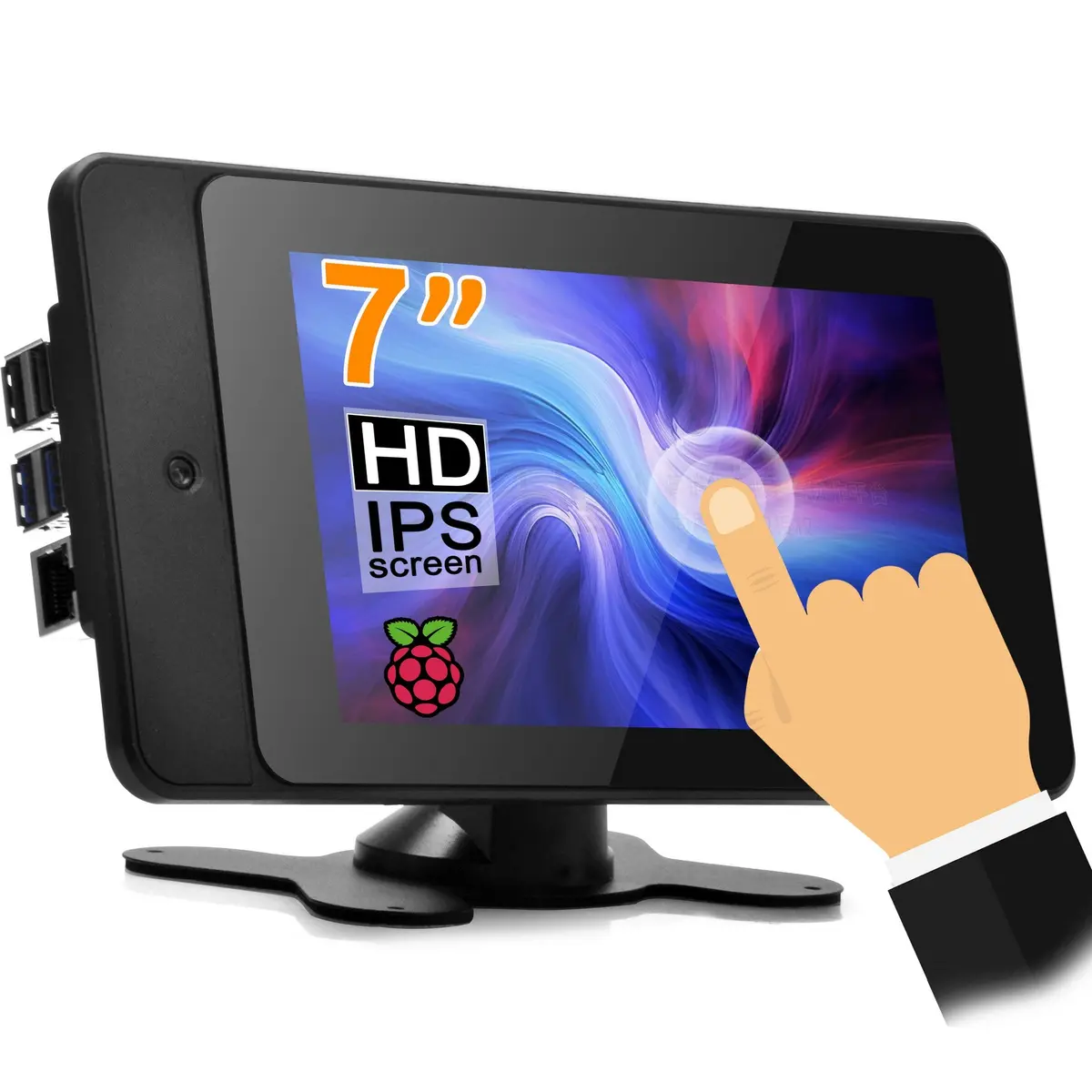
The OSOYOO 10.1″ MIPI DSI Touch Screen is a high-quality display designed for Raspberry Pi computers (Pi 5 / 4 / 3 / 2). Featuring an 800×1280 IPS panel with capacitive touch, it provides clear visuals, wide viewing angles, and accurate touch response — ideal for embedded, industrial, and DIY projects.
⚠️ Important: This OSOYOO display uses the DSI interface only and requires driver installation before use. It is not HDMI or USB plug‑and‑play.
⚠️ Online Tutorial: https://osoyoo.com/2025/08/05/osoyoo-10-1-inch-dsi-display/
🔌 2. Interface & Compatibility
✔ MIPI DSI Interface (2 & 4 lanes supported)
✔ Compatible with: Raspberry Pi 5 / 4 / 3 / 2
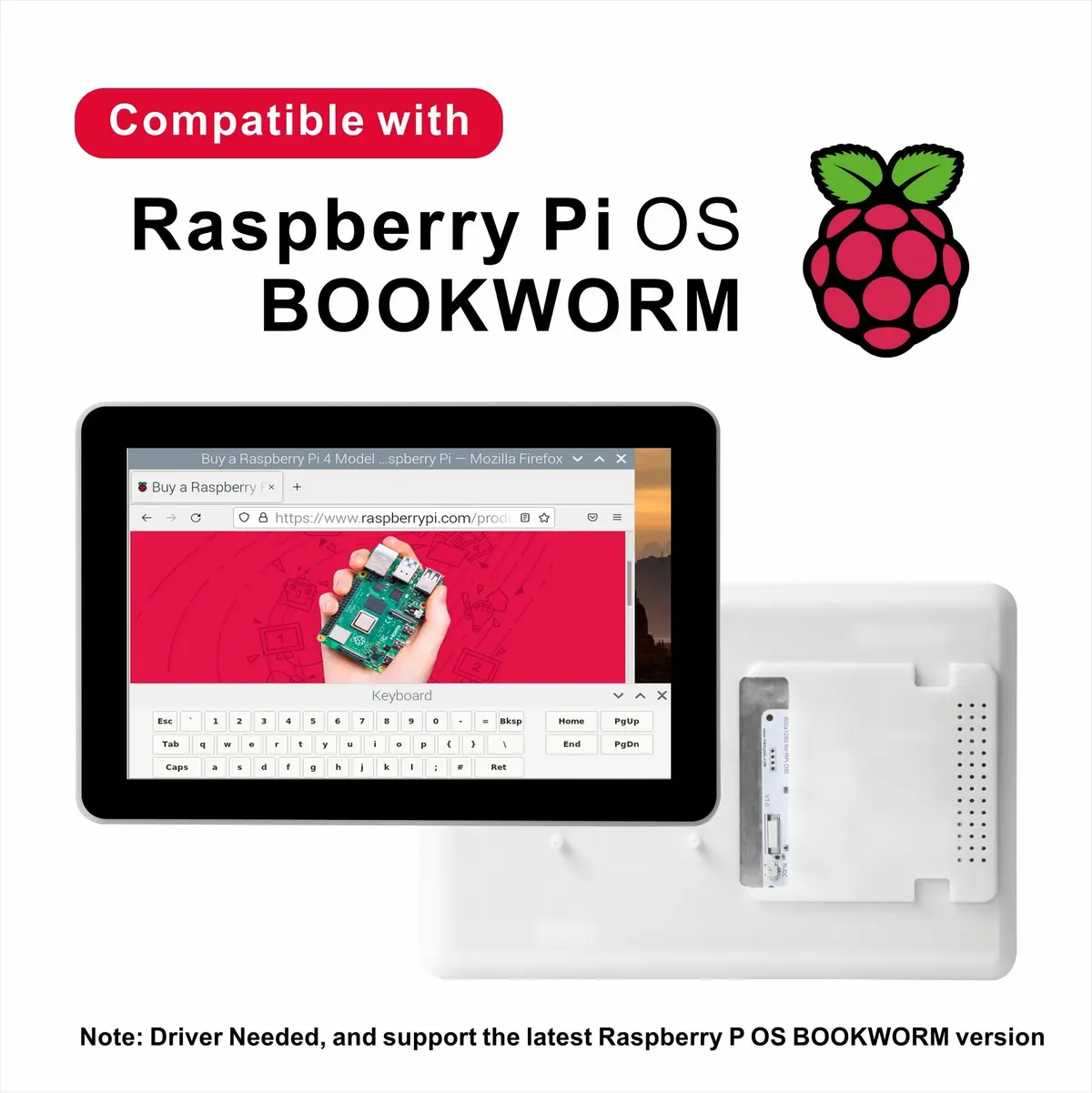
✔ Supports latest Raspberry Pi OS (Bookworm / Trixie kernel 6.12+)
✔ Designed for embedded Linux & Raspberry Pi OS desktop
💡 2‑Lane Mode (default) — Quick setup for general use
💡 4‑Lane Mode (recommended) — Uses lower signal clock, reduces EMI noise, and increases display stability in industrial applications
📊 3. Technical Specifications
Parameter
Value
Brand
OSOYOO
Screen Size
10.1″
Resolution
800×1280 IPS
Touch Type
Capacitive (G+G)
Interface
MIPI DSI (2 & 4 lanes)
Refresh Rate
Up to 60 Hz
Surface Hardness
6H toughened glass
Brightness
250 nits
Power
5 V via GPIO (Pi)
Viewing Angle
85°/85°/85°/85°
Operating Temp
0‑50 °C
Storage Temp
-10‑70 °C
🛠 4. Installation & Driver Instructions
OSOYOO 10.1″ DSI display requires driver installation:
- Connect DSI ribbon cable to the Pi’s DSI port
- Connect 5 V/GND to GPIO pins
- Secure Pi with included screws
- Install the provided driver (supports 2‑lane and 4‑lane MIPI modes)
Recommendation: Use 4-lane mode for lower EMI and higher stability.
📦 5. What’s Included
- 1 × OSOYOO 10.1″ DSI Touch Screen
- 1 × 22pin-0.5mm to 22pin-0.5mm DSI Ribbon Cable (For Pi5)
- 1 × 22pin-0.5mm to 15pin-1mm DSI Ribbon Cable (For Pi4/3/2)
- 1 × Power Cable (2-pin)
- 2 × Stand (1Pair)
- 1 × Mounting Screws Set
- 1 × Driver & Installation Guide (Download Link)
🚀 6. Typical Applications
- Embedded Control Panels
- Industrial / HMI Projects
- DIY Raspberry Pi Tablets
- Smart Home Control Screens
- Educational & Maker Projects
❗ 7. Important Notes
- ⚠ Driver installation is required
- ❌ Not HDMI / Not USB monitor
- ✔ Designed for Raspberry Pi DSI interface only
- ✔ 4‑Lane MIPI DSI mode recommended for stability
body { font-family: Arial, sans-serif; margin: 20px; } table { border-collapse: collapse; width: 100%; border-top: 2px solid #333; border-bottom: 2px solid #333; } th, td { border: 1px solid #ccc; padding: 8px; text-align: left; } /* 加深横向边框 */ tr { border-bottom: 2px solid #666; } th { background-color: #f2f2f2; border-bottom: 3px solid #333; } table { border-collapse: collapse; width: 100%; } th, td { border: 1px solid #ccc; padding: 8px; } /* 加深横向边框 */ tr { border-bottom: 2px solid #333 !important; } .bg-light-grey { background-color: #e0e0e0 !important; } .bg-light-blue { background-color: #F0F8FF !important; } table { font-family: Arial, sans-serif; font-size: 9pt; } .custom-height { height: 45px; } /* 设置 B 到 N 列(第 2 到 14 个单元格)居中 */ tr td:nth-child(n+2):nth-child(-n+14), tr th:nth-child(n+2):nth-child(-n+14) { text-align: center; } /* 确保第一列保持左对齐 */ tr td:first-child, tr th:first-child { text-align: left; }
| PartNumber | Display | Touch | Audio | Device Support | |||||||||
|---|---|---|---|---|---|---|---|---|---|---|---|---|---|
| Resolu-tion | Display Port | Display Panel | View Angle | Touch Type | Touch Port | Toughened Glass Panel | Optical Bonding | Speaker | Signal Output | Pi | JETSON NANO | PC | |
| SPI DISPLAYS | |||||||||||||
| PROS: low price. | |||||||||||||
| CONS: low refresh rate & resolution, supports Raspberry Pi only, requires Raspberry Pi 40PIN GPIO (the SPI bus), poor compatibility with Raspberry Pi system. | |||||||||||||
| 3.5inch RPi SPI LCD | 480×320 | SPI | TFT | – | Resistive | SPI | √ | × | × | × | √ | × | × |
| HDMI / TYPE-C DISPLAYS | |||||||||||||
| PROS: high refresh rate, multiple resolution support, multiple devices support, better compatibility with Raspberry Pi system. | |||||||||||||
| CONS: somewhat costly. | |||||||||||||
| 3.5inch Resistive HDMI LCD | 480*320 | HDMI | TFT | – | Resistive | SPI | √ | × | × | × | √ | × | × |
| 3.5inch Resistive HDMI LCD with case | 480*320 | HDMI | TFT | – | Resistive | SPI | √ | × | × | × | √ | × | × |
| 3.5inch HDMI Capacitive LCD | 480*320 | HDMI | IPS | 120° | Capacitive | Type-C | √ | × | × | × | √ | √ | √ |
| DSI DISPLAYS | |||||||||||||
| PROS: moderate price, high refresh rate, leaves the Raspberry Pi 40PIN GPIO free, better compatibility with Raspberry Pi system. | |||||||||||||
| CONS: supports Raspberry Pi only. | |||||||||||||
| 3.5 inch DSI LCD | 800×480 | DSI | IPS | 170° | Capacitive | I2C | √ | × | × | × | √ | × | × |
| 4.3inch DSI LCD | 800×480 | DSI | IPS | 170° | Capacitive | I2C | √ | × | × | × | √ | × | × |
| 5inch DSI TN LCD | 800×480 | DSI | TFT | – | Capacitive | I2C | √ | × | × | × | √ | × | × |
| 5inch DSI IPS LCD | 800×480 | DSI | IPS | 170° | Capacitive | I2C | √ | × | × | × | √ | × | × |
| 5inch DSI IPS LCD with Case | 800×480 | DSI | IPS | 170° | Capacitive | I2C | √ | × | × | × | √ | × | × |
| 7inch DSI TN LCD | 800×480 | DSI | TFT | – | Capacitive | I2C | × | × | × | × | √ | × | × |
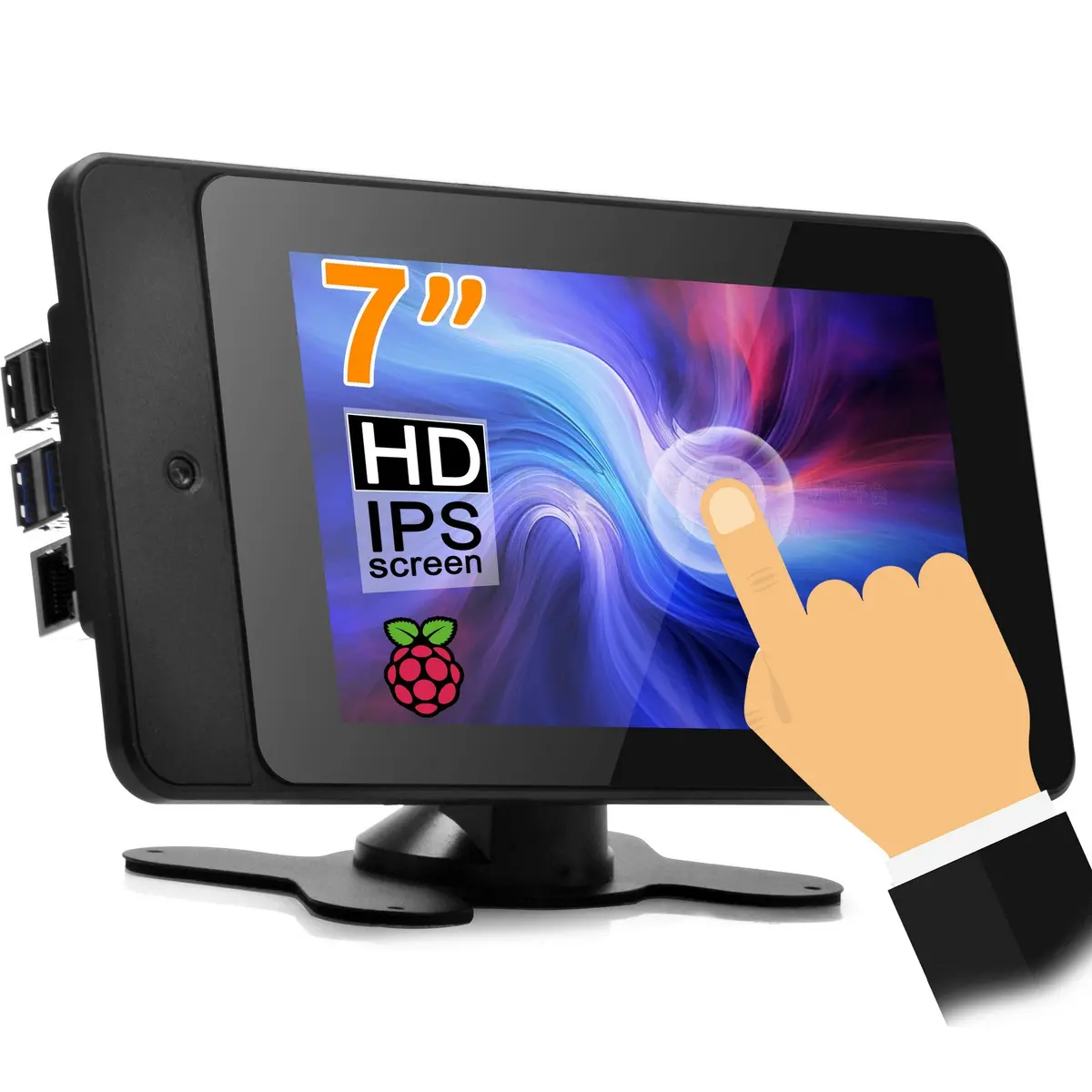
| 7inch DSI IPS LCD | 800×480 | DSI | IPS | 170° | Capacitive | I2C | √ | × | × | × | √ | × | × |
| 7inch DSI IPS LCD with Pistudio Case | 800×480 | DSI | IPS | 170° | Capacitive | I2C | √ | × | × | × | √ | × | × |
| 7inch DSI IPS LCD (H) with stand holder | 720×1280 | DSI | IPS | 170° | Capacitive | I2C | √ | × | × | × | √ | × | × |
| 10.1inch DSI IPS LCD (H) with stand holder | 800×1280 | DSI | IPS | 170° | Capacitive | I2C | √ | × | × | × | √ | × | × |
Explore more from our collection.
Reviews
There are no reviews yet.